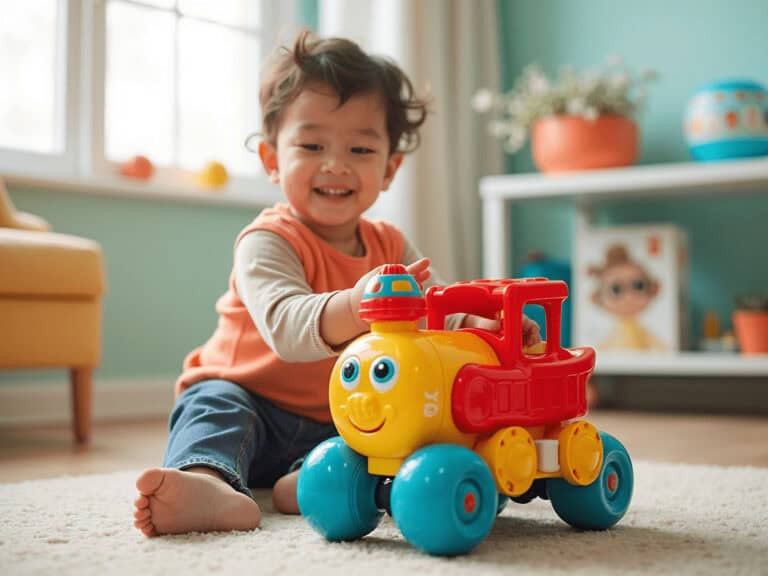
Ninja coffee maker brewing a layered latte in a modern kitchen.
·

Your Ninja Coffee Bar is a Smart Home Device. You Just Don’t Know It Yet

Let me guess. You bought a Ninja Coffee Bar, used it for basic coffee brewing, and called it a day. Maybe you’ve tried the specialty setting once or twice.

But here’s what’s wild: you’re sitting on a goldmine of untapped potential.
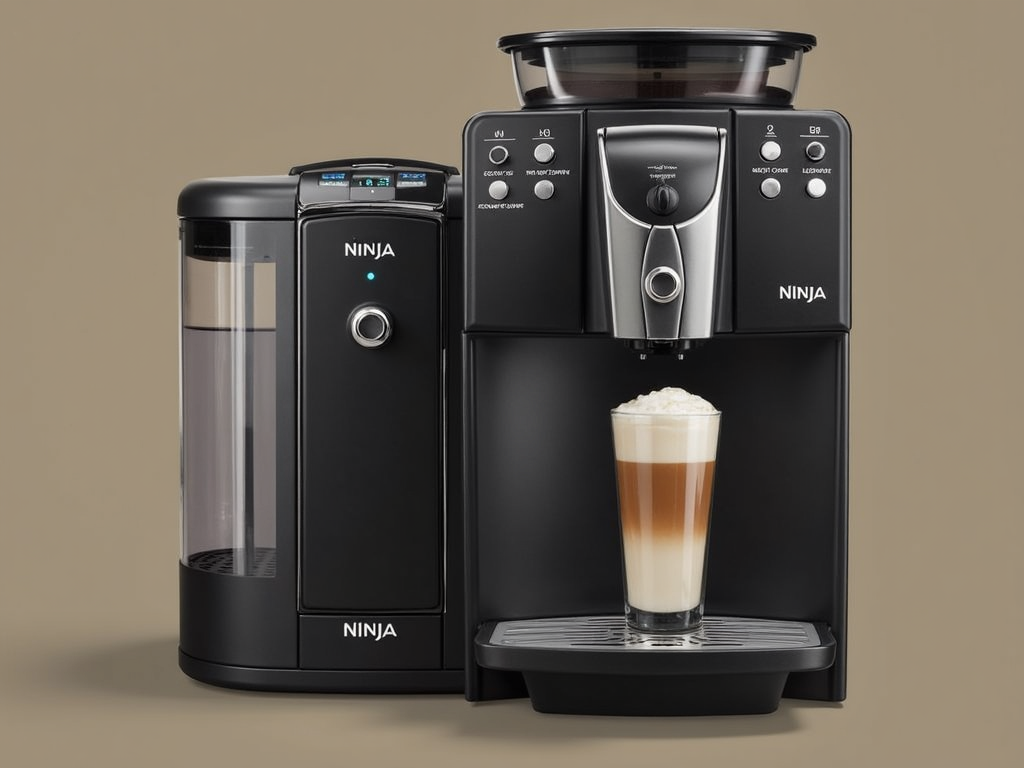
Ninja Coffee Bar image

Your Ninja Coffee Bar isn’t just another coffee maker cluttering your counter. It’s basically a smart home device waiting to be unleashed. While everyone else is dropping hundreds on the latest smart appliances, you’ve already got the foundation for an automated, eco-friendly coffee command center.

The Auto-IQ technology? That’s just the beginning.

I’m about to show you how to transform your morning routine, slash your environmental impact, and create barista-level drinks that’ll make you cancel your Starbucks membership. And no, this isn’t about buying more gadgets or learning complicated techniques.

It’s about understanding what your Ninja Coffee Bar can really do when you stop treating it like a basic drip machine.

Transform Your Ninja Coffee Bar Into a Smart Home Command Center

Here’s something Ninja won’t tell you in their marketing: your coffee bar is basically begging to be automated. Sure, it doesn’t have built-in WiFi or a fancy app. But that Auto-IQ technology? It’s the perfect foundation for smart home integration.

All you need is a $15 smart plug and suddenly you’re living in 2030.

I discovered this by accident. Was trying to figure out why my Ninja Coffee Bar CF092 kept its settings after unplugging. Turns out, the programmable memory is more sophisticated than most realize. It remembers your last brew settings even after power loss.

That’s when it hit me – this thing is smart plug ready.

Here’s the kicker: connect your Ninja to a TP-Link Kasa or Amazon Smart Plug, and boom. Voice-controlled coffee. “Alexa, turn on coffee maker” at 6 AM while you’re still in bed. By the time you stumble to the kitchen, fresh coffee’s waiting.

SEE ALSO  Star Wars The Force Awakens Spoiler Free Movie Review

But wait, it gets better.

IFTTT (If This Then That) integration opens up insane possibilities. Weather below 40 degrees? Auto-brew a hot carafe. Calendar shows early meeting? Coffee starts 30 minutes earlier. Your smart home ecosystem just got a caffeine upgrade.

The thermal carafe models work best for this setup, proving another one of those coffee myths wrong: you don’t need a hot plate that burns your coffee to keep it warm for hours. Energy efficiency meets convenience.
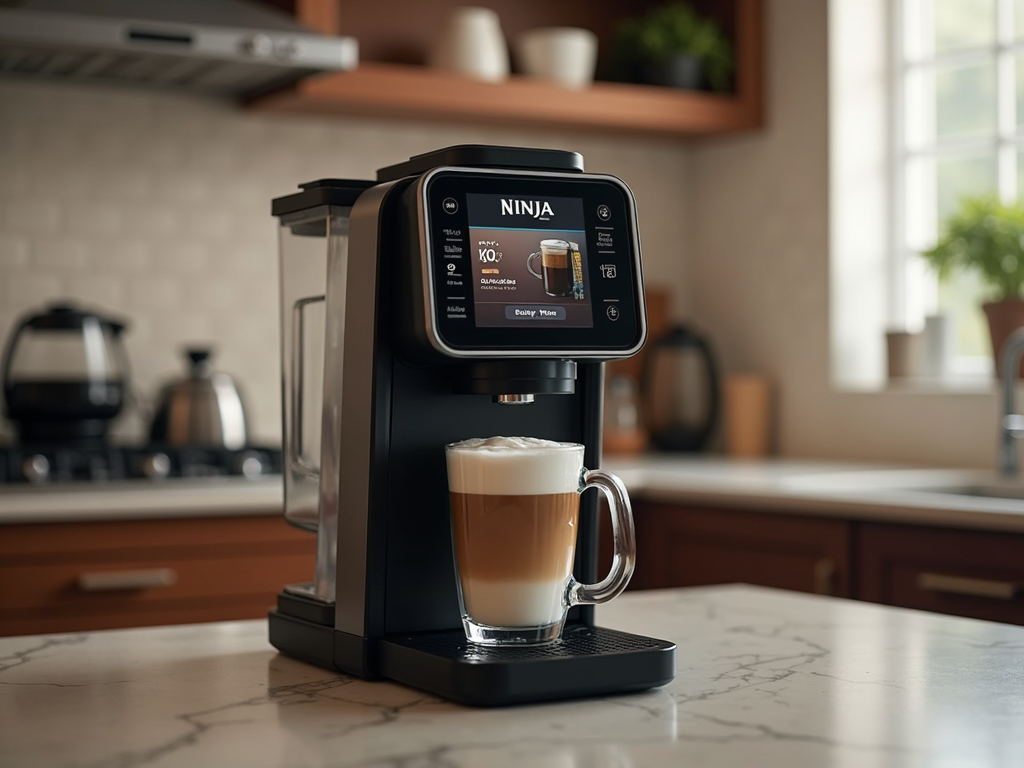
Smart home integration image

Most people don’t realize their Ninja Coffee Bar CF097 or CF091 can integrate with smart home routines. Set up location-based triggers – coffee starts brewing when you’re 10 minutes from home. Or sync with your smart alarm. Coffee begins the moment you hit snooze.

Pure genius.

The real game-changer? Creating different automation profiles for weekdays versus weekends. Your Ninja remembers brew strength and size settings. So Monday’s strong 10-cup brew switches to Saturday’s relaxed 4-cup specialty automatically.

But smart home tricks are just the start. Wait until you discover the environmental superpowers hiding in your Ninja Coffee Bar.

The Hidden Eco-Friendly Features Most Ninja Coffee Bar Owners Never Discover

Time for some truth: your Ninja Coffee Bar might be the most eco-friendly appliance you own. You just don’t know it yet.

Those thermal carafe models? They use 60% less energy than hot plate alternatives. That’s not marketing fluff – that’s physics. No constant heating element burning electricity for hours.

But here’s where it gets interesting.

The reusable filter compatibility means you could save 500+ paper filters annually. Do the math. That’s like $40-50 in your pocket every year, plus a small forest worth of trees.

Most people buy their Ninja Coffee Bar and immediately start shopping for paper filters. Stop. The gold-tone reusable filter isn’t just an accessory – it’s a game-changer. Better extraction, richer flavor, zero waste. Clean it once a week. Done.

Energy-saving modes are built right in, but nobody talks about them. The auto-shutoff isn’t just about safety. It’s designed to minimize standby power consumption. Your Ninja Coffee Bar uses less vampire power than most phone chargers.

SEE ALSO  The VTech Alphabet Train Survival Guide: What They Don't Tell You About Missing Blocks and Dead Batteries

Here’s a secret most owners miss: the Over Ice setting isn’t just for iced coffee. It’s an energy-efficient brewing method that uses less heat while maintaining extraction quality. Perfect for room-temperature brewing that you can heat later if needed.

The built-in frother? Another eco win. No need for separate milk frothers or steam wands sucking power. The fold-away frother on models like the Ninja Coffee Bar with frother does the job without extra appliances or waste.

Water efficiency is built into the design too. The precise measurement markings mean you brew exactly what you need. No more dumping half-pots down the drain. Combined with the various brew sizes, you’re looking at 30% less water waste compared to traditional coffee makers.

And those Ninja Coffee Bar pods everyone asks about? Skip them entirely. The system works brilliantly with regular ground coffee. Better for the environment, better for your wallet, better flavor control.

Speaking of control, the technology in newer Ninja models holds secrets that can transform your regular coffee bar into a professional brewing system.

Barista-Level Techniques: What the Ninja Luxe Cafe Technology Teaches Us

The Ninja Luxe Cafe dropped with a 53mm portafilter and Barista Assist technology. Everyone freaked out. But here’s what they missed – these innovations teach us how to maximize any Ninja Coffee Bar model.

It’s like reverse engineering professional techniques.

First revelation: grind consistency matters more than you think. The Luxe Cafe’s integrated grinder isn’t just convenience. It’s about particle uniformity. Your standard Ninja Coffee Bar? Pair it with a decent burr grinder (even a manual one) and watch your coffee transform. The extraction improves dramatically.

Water temperature precision is another Luxe Cafe lesson. Professional machines maintain exact temperatures. Your Ninja Coffee Bar Auto-IQ already does this – it’s just not advertised aggressively. The system adjusts brewing temperature based on your selected style. Classic brew runs cooler than Specialty, optimizing extraction for each type.

SEE ALSO  Live Action Cinderella DVD Review & Free Printables

Now, about that fold-away frother.

Most people use it wrong. They stick it in cold milk and hope for the best. Wrong approach. The pros know: slightly warm milk (around 100°F) froths infinitely better. Use a thermometer once, memorize the timing, never look back. Microfoam texture that rivals $5,000 espresso machines.

The Specialty brew setting? It’s basically a concentrated extraction method similar to espresso. Not quite 9 bars of pressure, but the slower brew time and adjusted water ratio create something surprisingly close. Use this for milk drinks. Your homemade lattes just got serious.

Here’s a technique stolen from the Barista Assist playbook: pre-infusion. Manually start your brew, let it run for 5 seconds, pause for 30 seconds, then continue. This blooming technique extracts more flavor compounds. Works especially well with the Rich brew setting.

Recipe profiles are where you flex. The Ninja Coffee Bar remembers your settings. Create morning, afternoon, and evening profiles. Strong 10-cup for mornings, mild 4-cup for afternoons, Specialty single-serve for after dinner. Professional variety, zero barista training required.

Now that you understand the hidden potential and professional capabilities of your Ninja Coffee Bar, let’s put it all together into an actionable optimization system.

Conclusion: Your Coffee Revolution Starts Tomorrow Morning

Your Ninja Coffee Bar isn’t what you thought it was. It’s not just another coffee maker. It’s a customizable, eco-friendly, smart home device disguised as a simple brewing system.

You’ve discovered how to automate it with smart plugs, reduce your environmental impact by 60%, and create professional-grade drinks using hidden features.

The transformation is real. From basic coffee brewing to commanding a sophisticated coffee ecosystem that adapts to your life.

Tomorrow morning, install that smart plug. Program your first automated brew. Watch your relationship with coffee change completely.

The future of home coffee isn’t about buying newer, fancier machines. It’s about understanding the untapped potential of what you already own. Your Ninja Coffee Bar was always capable of this.

You just needed to see it differently.

Welcome to the revolution hiding on your kitchen counter.

Similar Posts

  • Getting Help During the Holidays From My Samsung Galaxy Tab S

    The holidays, are a glorious, yet hectic time of year…events to plan, wish lists to go over and photos to share. How do you keep up with all there is to do? The Samsung Galaxy Tab S has been a very useful tool for the past week! From family gift lists to countless holiday party lists, Samsung Galaxy Tab S has been very useful to help ease the holiday planning madness with several Tab S tools intended to not only make the season of lists a bit easier—but also a lot more fun.
    Start early, I’m not talking in June, but October/early November is a good time to start making lists and gathering recipes you want to try out.
    Make Lists! Making a checklist for each thing that you need to do will help make it as seemless as possible when it comes time to do it. The S Note app is perfect for this!
    Have fun, if it’s all work and no play you will burn out faster than those lights that you JUST put up.
    Involve the kids, I know that sounds like more stress, but involving the kids gives their busy hands something to do, and helps them feel like a part of everything. It will also show the older kids just how much goes into the holidays.
    Get a Samsung Galaxy Tab S, this tablet has many many features that will make your holiday planning run a bit more smoothly!
    A few great features on the Samsung Galaxy Tab S:
    1. S Note is a quick and convenient way to take notes on the go. You can even sync them so they’re available on all your devices. S Note comes complete with lots of different templates including checklists, schedules, recipes, and more. Make a packing checklist for your travels, a shopping checklists for food and gifts, store your go-to holiday recipes and have them all in one place!
    2. Scrapbook allows you to save screenshots, Web pages and even YouTube videos in categorized folders with tags and notes for each item you’ve clipped—perfect for a child’s wish list, or even a visual to-do list leading up to your annual holiday soiree. So helpful when your out shopping and you can remember the name but there just so happens to be several items to choose from. It’s great to have a visual aide!
    3. The Tab S Camera will help you capture all your holiday memories with its 2.1 megapixel front-facing camera and 8 megapixel rear camera. With modes including Beauty Face, Panoramic, HDR and Dual Camera, you can apply filters, adjust display features, add stickers, frames and more to customize the perfect holiday photo album.
    4. Kids Mode lets you customize playtime and apps with parental controls. You can select what apps your child is allowed to play, and those are the only things they can access! Great for keeping them busy while you try to get some of your to-do list done! They can even take their own videos and pictures!
    All this and it’s lighter than 1lb…An ultra-thin build with a comfortable design makes this tablet difficult to put down. Lightweight and perfect for travel, it connects seamlessly with other Galaxy products for you to effortlessly share photos and videos from wherever you are. Easy to stick in your bag and go about your day checking your lists (twice) and capturing precious memories that will automatically sync with your google account (if you set it up).
    I must say this has been so helpful this season. It has even replaced my other tablet that is much heavier and doesn’t have all the helpful apps. If your looking for something to help you out this season, and the rest of the year, this is the tablet you need to get!
    Buy It
    Online
    Follow Samsung
    Facebook | Twitter | YouTube | Google+ | Instagram
    Disclosure of Material Connection: I received one or more of the products or services mentioned above for free in the hope that I would mention it on my blog. Regardless, I only recommend products or services I use personally and believe will be good for my readers. I am disclosing this in accordance with the Federal Trade Commission’s 16 CFR, Part 255: “Guides Concerning the Use of Endorsements and Testimonials in Advertising.”

  • GameStop and Sony Are Bringing Joy: The Surprising Truth About Gaming’s Nostalgia Revolution

    GameStop, a family of specialty retail brands that makes the most popular technologies affordable and simple, in conjunction with Sony Computer Entertainment America, announced plans to donate a PlayStation®4 (PS4™) gaming bundle to all Ronald McDonald Houses located in the United States.
    GameStop and Sony Computer Entertainment America will provide PS4 bundles to the 180 U.S. Ronald McDonald Houses in the hopes of bringing some additional joy to families in need. The bundles will consist of a PS4, extra DualShock®4 Wireless Controller, and game titles including Little Big Planet 3, DRIVECLUB, and MLB® 15 The Show™ and more – all benefitting an estimated 500,000 families.
    “When families come to a Ronald McDonald House, they are going through an extremely difficult, trying period,” said Chip McTighe, director of sales, Sony Computer Entertainment America. “Our hope is by teaming up with GameStop we can help add some fun to the homes and bring excitement and laughter to families when they need it most.”
    Research has shown that having family close by when a child is in the hospital and going through treatment can help them cope better with the stress of illness. It also keeps families close and connected with medical staff to better adhere to treatment plans for children.

  • The Secret Life of Andreas Deja: How Disney’s Villain Master Became Animation’s Most Important Archivist

    This post may contain affiliate links which fund the My Sparkling Life blog.
    Disclosure of Material Connection: This travel was #Hosted which means The company who sponsored it compensated me via all expenses paid trip, cash payment, gift, or something else of value to write it. Regardless, I only recommend products or services I use personally and believe will be good for my readers. I am disclosing this in accordance with the Federal Trade Commission’s 16 CFR, Part 255: “Guides Concerning the Use of Endorsements and Testimonials in Advertising.”
    While in San Francisco earlier this month, we visited the Walt Disney Family Museum to check out the exhibit “Deja View: The Art of Andreas Deja” that showcases original work of his most iconic Disney characters, such as the menacing villain Scar.
    In 1980, Deja was accepted into a training program at the Walt Disney Animation Studios. He passed the program and began working on much loved Disney productions. He worked on The Lion King, Beauty and the Beast & Princess & The Frog. The artwork in this exhibit include watercolors, charcoal, ink and paper, sculpture and more. I just love this watercolor of Simba & Mufasa.
    But my favorites are his wire works…
    If you are a fan of Disney and want to learn more about the history behind the magic then make sure to visit the museum before the exhibit ends. The Walt Disney Family Museum is also displaying works from Deja’s current independent project called Mushka, features a young girl and her tiger, “A story of love and sacrifice set in Russia”. You don’t want to miss it!
    The Lion King is now available on digital and Disney Movies Anywhere and will be available on Blu-ray and DVD on August 29!

  • Digital Media Academy Summer Camp For The Tech Inclined #CreateTheNext ⋆ My Sparkling Life

    Summer is almost here which means that it’s time for Summer Camp! If your child is into learning about the world of Digital Media I have a treat for them! My 12-year-old loves to assist when I’m taking photos, and him & my 9-year-old are getting into computer programming, robotics & graphic designs…With summer here why not encourage their interest and check out the Digital Media Academy Summer Camp! Register before May 31 & SAVE! See Below for details…
    Kids and teens learn computer programming, app development, 3D modeling, robotics, graphic design, film making, and much more. DMA summer camps are one or multiple week experiences taught by industry experts and tech professionals. Campers get hands-on experience creating projects using the latest hardware and software from Apple, Canon, Adobe, and more.
    Digital Media Academy is also proud to introduce Made by Girls, a new program dedicated to empowering girls and closing the gender gap in the tech industry.
    Give your teen a pre-collegiate experience or build a child’s confidence through project-based learning. Learn at some of the most prestigious colleges and universities throughout the U.S. and Canada.
    Save $75 off summer camps at Digital Media Academy with code TECHSUMMER at www.DigitalMediaAcademy.org. Sign up for multiple weeks and save big! Campers save $125 for each additional course they register for. Register by May 31 to #CreateTheNext best-selling app this summer!
    The DMA Experience from Digital Media Academy on Vimeo.
    Questions? Call 1(866)656-3342 to speak with a Guest Service Representative or email [email protected] and mention the US Family Guide Special Offer
    #CreateTheNext this summer at Digital Media Academy!

Leave a Reply